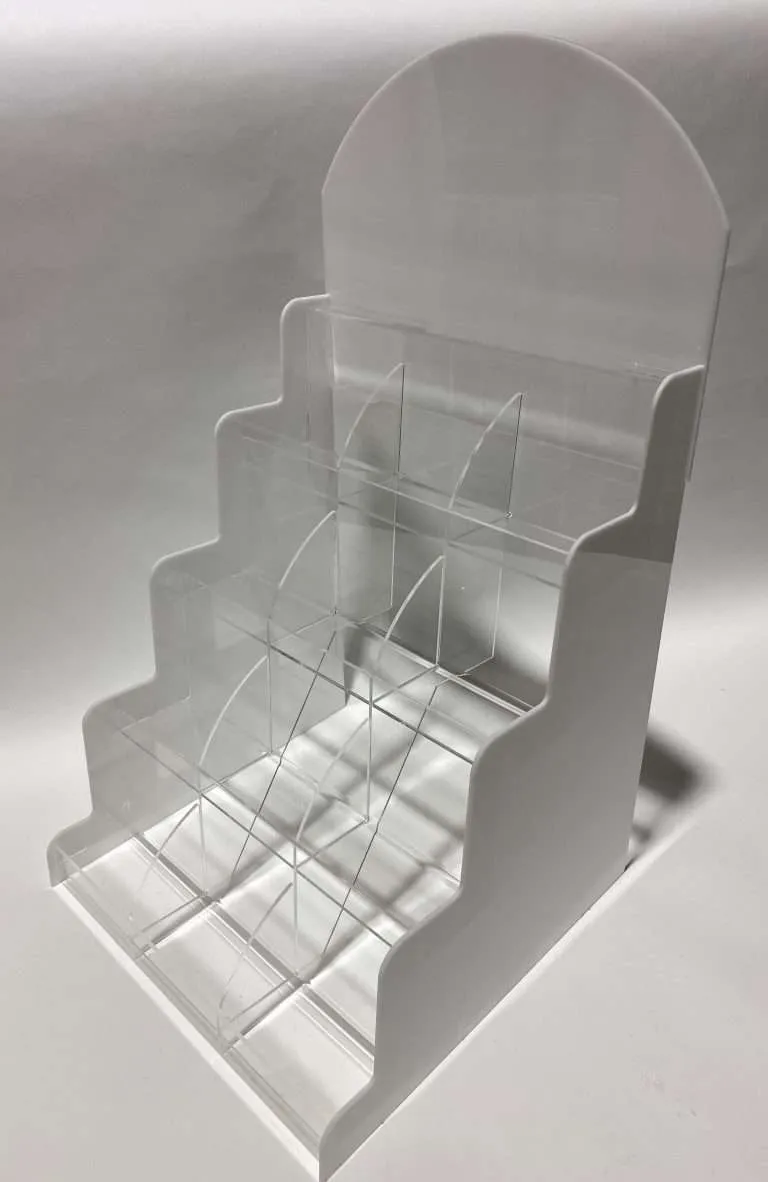
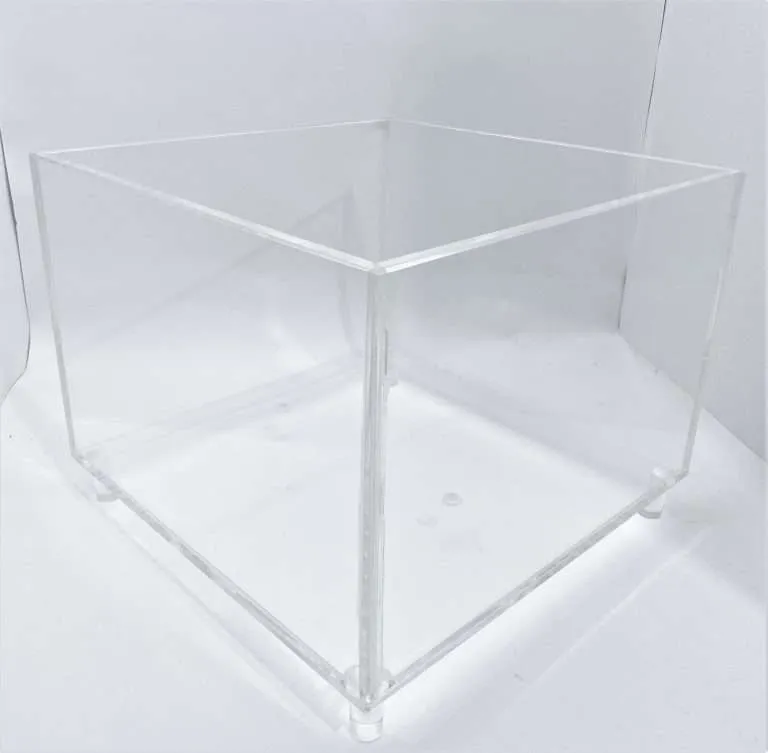
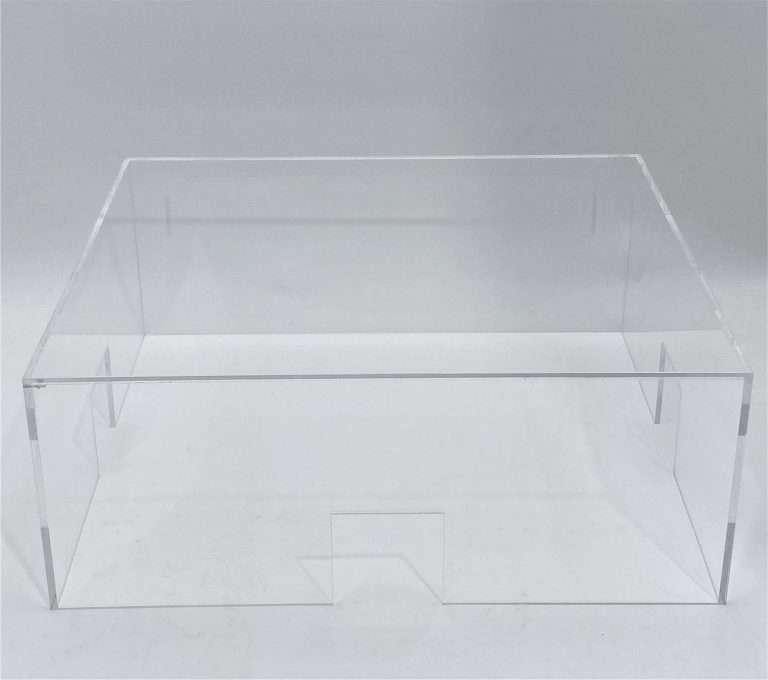
Every multi-door display program hits this fork: build the units complete and ship them ready for the floor, or design them to pack flat and let each store put its own together. Teams usually frame it as a packaging question, decided at the end. It is neither — it is a freight-and-labor trade, and it has to be decided before fabrication, because the two answers produce different products.
The real trade
An assembled unit buys certainty with freight volume. It arrives as the thing you designed — bonded, aligned, inspected before it shipped — and the store’s job is lifting it out of the carton. What you pay is cube: freight pricing follows dimensional volume as much as weight, and an assembled display is mostly air you are paying to move. Multiply by the door count and the cube becomes a program-level cost factor all by itself.
A flat-pack cuts that volume dramatically — panels nest, cartons shrink, more units fit a pallet. What you spend instead is control: assembly transfers to store staff, whose skill, patience and available time your brand does not command. Every flat-pack program is betting that the design survives being assembled by someone who has never seen it before, between other tasks, without the drawing.
The decision inputs
- Door count. Freight savings scale with doors; so does assembly risk. Ten doors can absorb an imperfect choice either way — hundreds cannot.
- Unit size vs carton limits. Some displays simply exceed what parcel networks accept assembled, which forces the question whether you like it or not.
- Retailer labor rules. Many retailers restrict what store staff may assemble, and some vendor guides effectively cap assembly time or require tool-free designs. Read the retailer’s requirements before the design exists — designing to the retailer vendor guide is about exactly this discipline.
- Failure tolerance of the design. Some displays assembled slightly wrong still work and merely look slightly off; others lean, wobble or fail. The less tolerant the design, the stronger the case for shipping it assembled.
Flat-pack is a design commitment, not a packing choice
Here is where programs go wrong: a display designed as a bonded, assembled object gets “flat-packed” at the end to save freight. That display was never designed to be assembled by strangers — and no packing diagram added at the dock can change what it was designed to be.
A real flat-pack design commits from the first sketch: tab-and-slot joints that locate themselves, connections that physically cannot be assembled backward, parts labeled in assembly order, and — absolutely — no field bonding. Stores do not glue. Any joint that needs adhesive gets made in the shop or it doesn’t exist. The design work is front-loaded and real, which is also why it pays off hardest on high-quantity programs where the per-door freight saving multiplies — the same volume logic covered in designing POP for volume runs.
Damage math cuts both ways
Neither answer wins the damage question outright; they just fail differently. Assembled units ride with their bonded joints and corners exposed to transit shock — dunnage, immobilization and corner protection are doing structural work, and the packing design is part of the product. Flat packs protect the geometry but multiply handling: every part gets touched during store assembly, which multiplies scratch opportunities — so interleaving between parts and peel-off masking that stays on until the part is in position are part of the flat-pack spec, not optional refinements. The wider packing discipline, for both answers, is covered in packaging and freight for finished acrylic.
The middle path real programs use
The strongest answer for many programs is neither pole: sub-assembled modules. The joints that need shop precision — bonded assemblies, aligned components, anything structural — are completed in the shop, and the modules connect in the field with tool-free, self-locating connections. A header slots onto a base; a tray stack drops onto a chassis. Most of the freight saving survives, because the modules still pack dense. Most of the assembly risk disappears, because the store’s job is reduced to a few forgiving connections instead of real construction.
Module boundaries are a design decision with a simple rule: cut the product where the connection can be simple, never where the joint needs skill.
Whichever way your program lands, land it early. The choice changes the joinery, the packing design, the instructions, and the quote — which makes it RFQ information, not a dock-side decision. The program-level view of getting displays into many doors at once is in retail-ready display programs, and the full fixture-program playbook is the complete POP display guide — with the category hub at retail and POP displays.