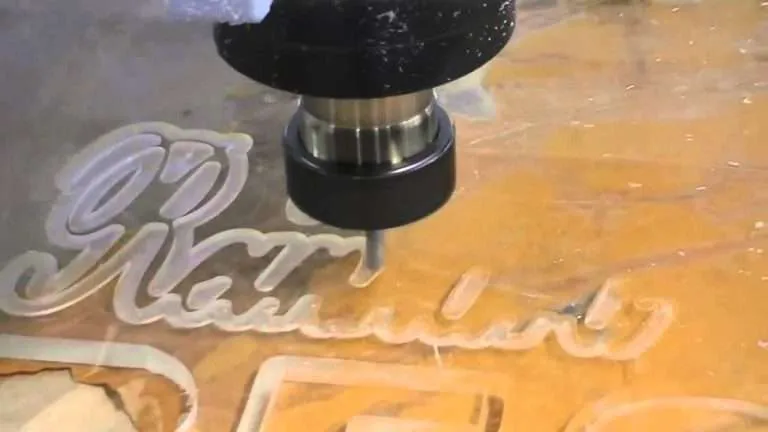
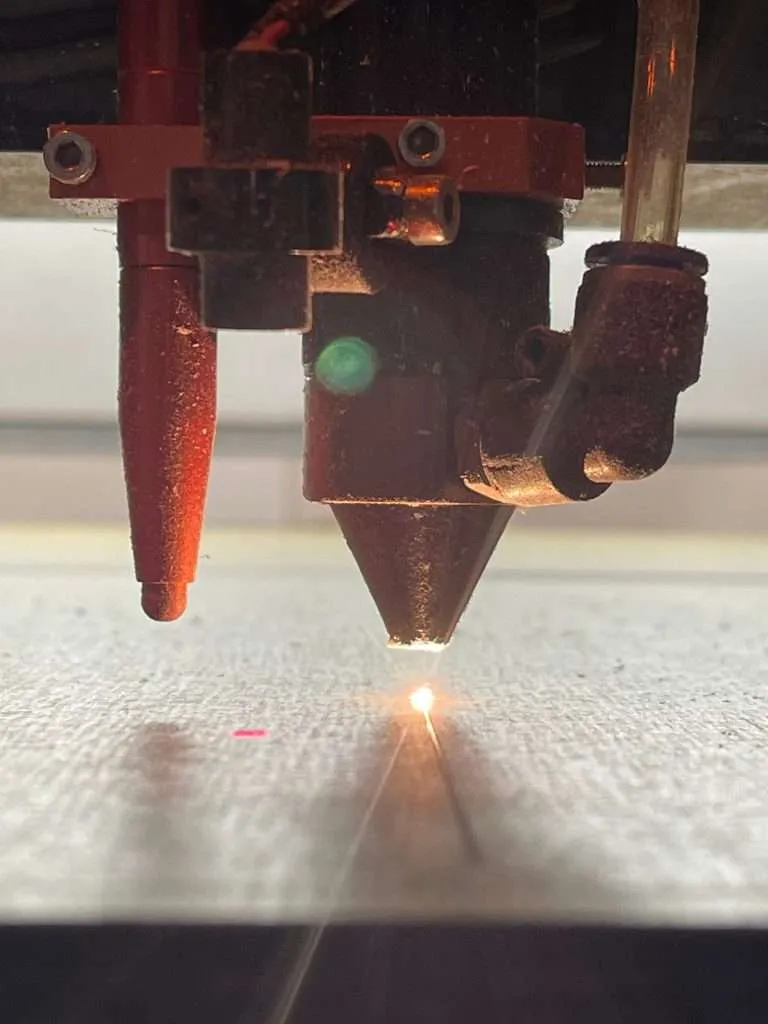
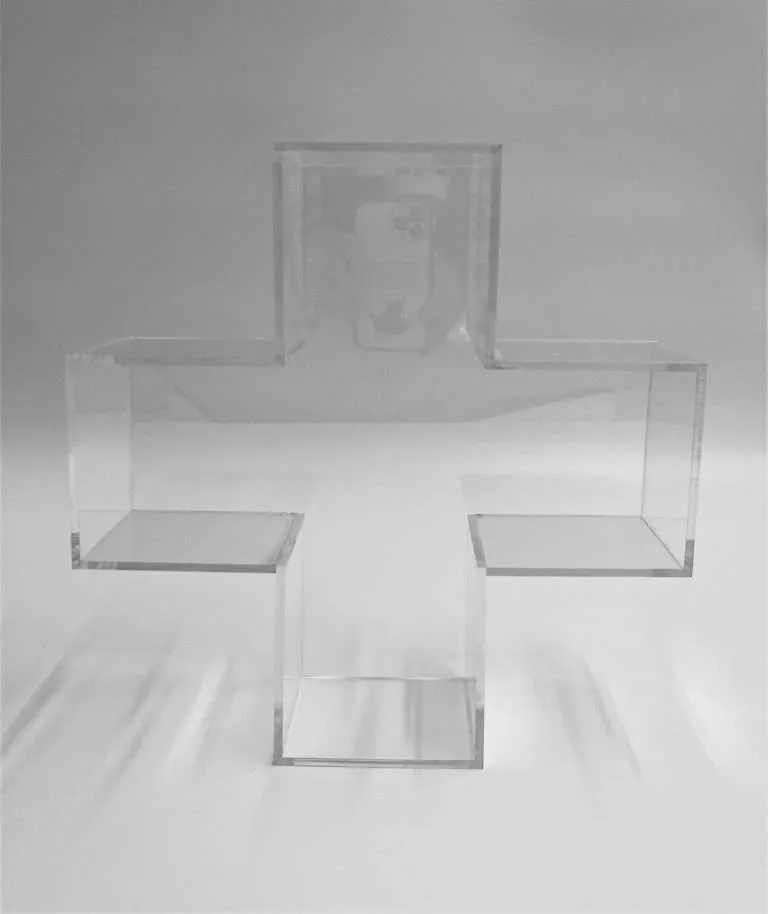
The question keeps arriving in some form: “Can you laser-cut polycarbonate?” The plain answer: no — not here, and not usefully anywhere. A laser vaporizes acrylic cleanly and leaves a presentable, sealed edge; polycarbonate responds to the same beam by scorching and discoloring along the cut. Sheet manufacturers’ own fabrication guidance draws this line, and shop practice agrees with it. Polycarbonate parts in this shop are cut with a saw, the CNC, or both.
That one fact has a surprising number of consequences for a drawing — especially a drawing that started life as an acrylic part.
What actually happens in the cut
Laser cutting works on acrylic because the material vaporizes ahead of the beam and leaves behind a smooth, flame-sealed edge — it’s why the laser-cut edge has its own rung in the Acrylic Edge Finishing Standards. Polycarbonate doesn’t vaporize that way. Per that same manufacturers’ guidance, the beam chars it: the edge comes out discolored and rough rather than clear and sealed. The material that makes polycarbonate nearly unbreakable is the same material that refuses the laser’s one trick.
What changes on a drawing written for the laser
Internal corners carry a radius. A laser turns a square internal corner almost perfectly. A CNC cutter is round, so every internal corner it cuts carries the tool’s radius — basic machining geometry, not a shop quirk. A polycarbonate drawing with dead-sharp internal corners will come back as a question; one drawn with radiused corners from the start comes back as a price.
Small features need a second look. Fine slots, narrow bridges and intricate profiles that a laser handles routinely in acrylic have to be re-examined against saw and CNC methods when the material line says polycarbonate. Some translate directly; some want a dimension nudged. This is a conversation to have at the CAD stage, not after the files are final.
The edge callout changes language. “As-cut” on an acrylic laser part means a sealed, presentable edge. On polycarbonate, the as-machined edge is a different animal — and the familiar acrylic finish ladder doesn’t carry over, since flame polishing is an acrylic-only method. If the edge shows, say what it needs to look like and let the process be chosen to match. The CNC-vs-laser comparison covers how each route leaves an edge, on the materials each route serves.
Cost and schedule move as factors, not footnotes
A different cutting route means a different process plan: machining time instead of laser time, fixturing where the laser needed none, and nesting economics that work differently on the router than on the laser bed. None of this makes polycarbonate the wrong choice when impact resistance is the governing requirement — the machine-guarding comparison is the clearest case where it wins outright. It just means the cost structure follows the process route, and the process route follows the material.
When the laser is the reason to choose acrylic
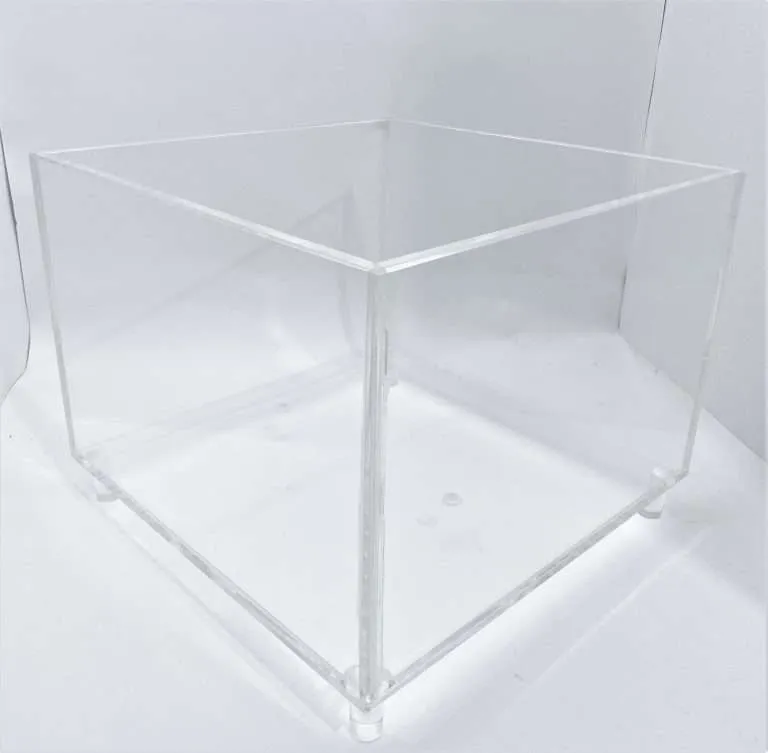
Flip the logic and it becomes a selection tool. For indoor display parts with intricate profiles — lattices, logo cutouts, fine-featured brackets where nobody is going to hit anything — the laser route is itself a reason to specify acrylic: square internal corners, sealed edges off the machine, and intricate nesting that keeps yield honest. Where impact isn’t the governing requirement, the material comparison usually lands on acrylic for exactly these parts.
One adjacent rule worth knowing so it never surprises you: PVC is never laser-cut either — the sheet manufacturers’ guidance is unambiguous that burning it releases corrosive chlorine-bearing gas, so PVC parts travel the mechanical cutting route in every shop that intends to keep its machines.
The full process vocabulary — what cuts, bonds, forms and finishes each material — lives in the fabrication processes guide. If you’re holding a polycarbonate drawing full of laser-era callouts, send it over as it stands — translating it is quicker than redrawing it.